
The Belkin Components® USB-SCSI Adapter allows you to easily add up to 7 SCSI devices on your Windows® 98 PC or Mac™ through a USB port. No need to open your computer case, no more IRQ conflicts or driver problems! Simply plug it in!
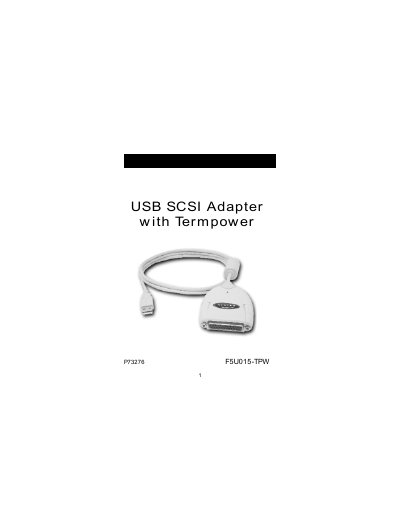
The Belkin USB‑SCSI Adapter with Termpower lets you add up to seven SCSI devices to a Windows 98 or Mac OS 8.6+ PC through a USB port. The adapter requires a 486‑class processor or faster, at least 16 MB of memory, a free USB port, and termination power from one of the SCSI devices (or the supplied power‑supply adapter).\n\nInstallation steps differ for Macintosh and Windows 98. On a Mac, you copy two driver files from the CD into the System Folder > Extensions folder. On Windows 98, you plug the adapter in, let the system detect new hardware, and follow the driver installation wizard from the CD. The manual also covers troubleshooting tips such as ensuring termination power, using a self‑powered USB hub, and power‑cycling devices if they are not recognized.
| Maximum SCSI devices supported | 7 |
|---|---|
| Power supply adapter | 7.5 VDC, 600 mA |
| Minimum PC processor | 486 or faster |
| Supported operating systems (Mac) | Mac OS 8.6 or higher |
No, the iMac keyboard USB ports do not supply enough power for the adapter.
Insert the CD, open the MAC Driver folder, and copy the two files “Belkin USB‑SCSI” and “Belkin USB‑SCSI SIM” into the System Folder → Extensions folder.
Make sure at least one device provides termination power, use the supplied power‑supply adapter if needed, connect through a self‑powered USB hub, and power‑cycle the devices and adapter.