
Key facts
- Manuals
- 1
- Languages
- EN
- Last added
- 2012-02-24
Featured F5U015-TPW manuals
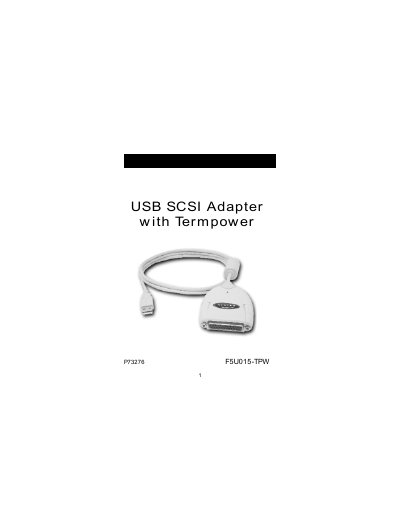
Belkin F5U015-TPW USB SCSI Adapter with Termpower User Manual
The Belkin USB‑SCSI Adapter with Termpower lets you add up to seven SCSI devices to a Windows 98 or Mac OS 8.6+ PC through a USB port. The adapter requires a 486‑class processor or faster, at least 16 MB of memory, a free USB port, and termination power from one of the SCSI devices (or the supplied power‑supply adapter).\n\nInstallation steps differ for Macintosh and Windows 98. On a Mac, you copy two driver files from the CD into the System Folder > Extensions folder. On Windows 98, you plug the adapter in, let the system detect new hardware, and follow the driver installation wizard from the CD. The manual also covers troubleshooting tips such as ensuring termination power, using a self‑powered USB hub, and power‑cycling devices if they are not recognized.
Covers: Introduction and System Requirements · Package Contents · Macintosh Installation and Usage · Windows 98 Installation and Usage · Troubleshooting · Compatibility List
Latest F5U015-TPW manuals
Belkin F5U015-TPW USB SCSI Adapter with Termpower User Manual
User Manual 17 pages · 224 KB · ENThe Belkin F5U015-TPW USB‑SCSI Adapter with Termpower User Manual provides installation, usage, and troubleshooting instructions for connecting up to 7 SCSI…
Which document do I need?
User Manual
Day-to-day operation, settings and troubleshooting. Start here if the product is already set up.
Questions answered in F5U015-TPW manuals
Can I plug the adapter into the USB ports on an iMac keyboard?
No, the iMac keyboard USB ports do not supply enough power for the adapter.
From: Belkin F5U015-TPW USB SCSI Adapter with Termpower User Manual
How do I install the driver on a Macintosh computer?
Insert the CD, open the MAC Driver folder, and copy the two files “Belkin USB‑SCSI” and “Belkin USB‑SCSI SIM” into the System Folder → Extensions folder.
From: Belkin F5U015-TPW USB SCSI Adapter with Termpower User Manual