
PC Adapter CN is a high-end adapter compatible with Siemens PC Adapter and HMI Adapter, which fully supports RS232 serial port to industrial field bus PROFIBUS/MPI communication for computers (PC) and touch screens (HMI), and uses Siemens protocol processor chips without functional defects. PC Adapter CN is an optically isolated adapter designed for industrial applications. It has surge protection and lightning protection circuits at RS232 and RS485 ports, and can be plugged in and out with power on. It is suitable for Siemens S7-300/400 series PLCs and other devices with PROFIBUS/MPI interfaces, especially for industrial sites with strong interference and easy to damage communication ports. Various protection measures in the circuit ensure the safe operation of the system.
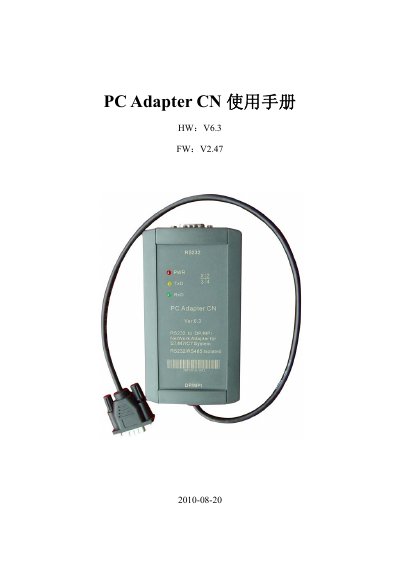
The PC Adapter CN is a high‑end, optically isolated adapter that converts RS232 serial ports on PCs or HMI touch screens to industrial fieldbus PROFIBUS/MPI. It features surge and lightning protection on both RS232 and RS485 ports, hot‑plug capability, and can be mounted on S7‑300/400 PLC rails or a standard 35 mm rail.
The manual provides detailed hardware specifications, wiring diagrams, LED indicator meanings, installation steps, required Windows operating systems, and STEP7 software configuration for both MPI and PROFIBUS communication. It also covers extended RS485 communication distance, cable length limits, and troubleshooting procedures. This manual is written in Chinese.