
This document is a quick start guide to Novell Conferencing
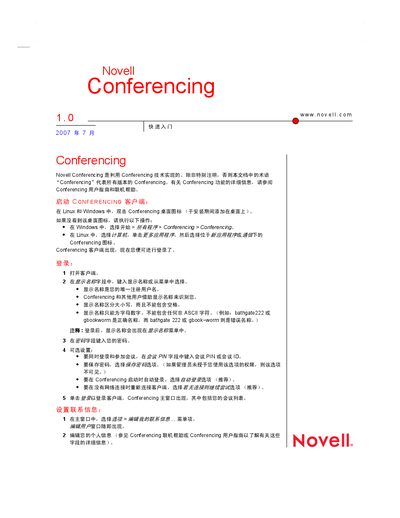
The guide shows how to launch the Conferencing client on Linux or Windows by double‑clicking the desktop icon or using the Start menu. It then describes logging in with a display name and optional PIN, and configuring automatic login and reconnection options.
It covers managing contacts—adding friends, editing contact information, and creating personal groups—followed by creating, scheduling, and joining meetings. The manual also explains how to share your desktop or applications during a meeting and grant remote control permissions to participants. This manual is written in Chinese.
On Linux or Windows, double‑click the Conferencing desktop icon, or open it from the Start menu under Programs → Conferencing.
Select the appropriate menu option to open the contacts list, then right‑click a contact and choose “Add to personal friends”.
Choose “Join by ID or PIN”, enter the meeting ID or PIN in the dialog, and click OK to connect.