
Sentinel™ 5.1.3.0 Service Pack 1 (2006-12-08) release includes support for more languages and fixes for Sentinel™ 5.1.3.0 software components. It must be installed on all computers that have Sentinel™ 5.1.3.0 software components installed.
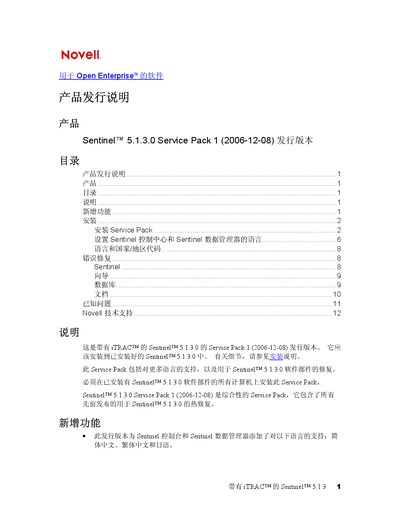
This document provides step‑by‑step instructions for installing Sentinel 5.1.3.0 Service Pack 1. It explains required prerequisites, how to back up the existing ESEC_HOME directory, and the procedures for both Windows and UNIX environments.
The guide also lists supported languages (Simplified Chinese, Traditional Chinese, Japanese), details error fixes, known issues, and provides contact information for Novell technical support. This manual is written in Chinese.
| Version | 5.1.3.0 |
|---|---|
| Release Date | 2006-12-08 |
The Service Pack adds support for Simplified Chinese, Traditional Chinese, and Japanese.
Sentinel 5.1.3.0 must already be installed on the computer before the Service Pack can be applied.
Back up the ESEC_HOME directory (or the entire directory) before running the Service Pack installer.
Novell technical support is available via the Novell website and phone hotline.