
This document describes how to install and use the IP8151/IP8151P network camera.
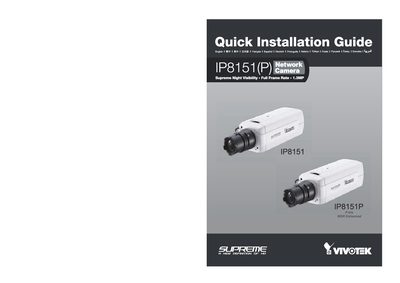
This Quick Installation Guide provides step‑by‑step instructions for installing the VIVOTEK IP8151(P) network camera. It includes language selection, power options (AC 24 V or PoE), Ethernet connection, and RS485 wiring.
The guide also describes how to use the provided Software Utility and Installation Wizard 2 for initial configuration, and lists regulatory information such as RoHS compliance and copyright details.
| Resolution | 1.3 MP |
|---|---|
| Power Supply | AC 24 V or PoE |
| RS485 Interface | RS485+ / RS485‑ |
| PoE Support | Yes |
The camera can be powered either by an AC 24 V supply or by Power over Ethernet (PoE) using a PoE injector.
Run the provided Software Utility and select "Installation Wizard 2" to begin configuration.
Yes, a PoE injector is used to supply power over Ethernet to the camera.