
Key facts
- Manuals
- 1
- Languages
- EN
- Last added
- 2012-02-21
Featured IP8151(P) manuals
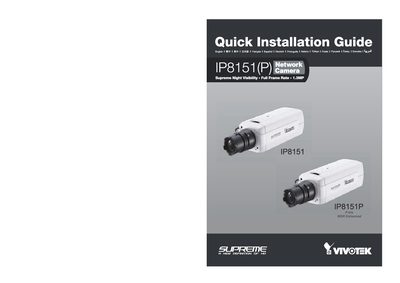
VIVOTEK IP8151(P) Network Camera Quick Installation Guide
This Quick Installation Guide provides step‑by‑step instructions for installing the VIVOTEK IP8151(P) network camera. It includes language selection, power options (AC 24 V or PoE), Ethernet connection, and RS485 wiring.
The guide also describes how to use the provided Software Utility and Installation Wizard 2 for initial configuration, and lists regulatory information such as RoHS compliance and copyright details.
Covers: Language Selection · Power Options (AC 24 V / PoE) · Ethernet Connection (10/100 Mbps) · RS485 Interface · Installation Wizard · Software Utility
Latest IP8151(P) manuals
VIVOTEK IP8151(P) Network Camera Quick Installation Guide
Quick Start Guide 11 pages · 2.7 MB · ENQuick Installation Guide for the VIVOTEK IP8151(P) network camera, covering setup steps, PoE connection, and basic configuration.
Which document do I need?
Quick Start Guide
The shortest path to a working setup, usually only a few pages.
Questions answered in IP8151(P) manuals
How can I power the IP8151(P) camera?
The camera can be powered either by an AC 24 V supply or by Power over Ethernet (PoE) using a PoE injector.
From: VIVOTEK IP8151(P) Network Camera Quick Installation Guide
How do I start the installation wizard?
Run the provided Software Utility and select "Installation Wizard 2" to begin configuration.
From: VIVOTEK IP8151(P) Network Camera Quick Installation Guide