
Acronis Backup & Recovery 10 is a data backup solution across physical and virtual environments based on Acronis patented disk imaging and bare-metal restore technology, integrated with system recovery and deduplication features.
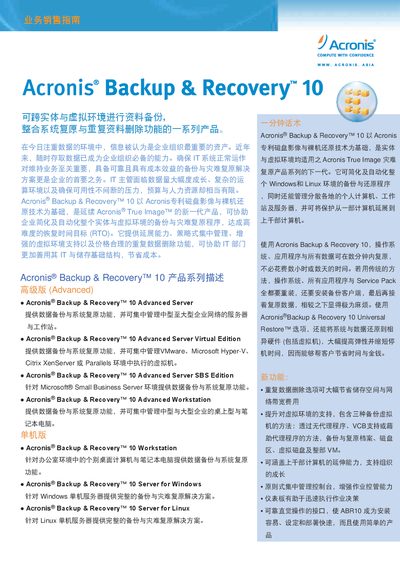
This manual provides an overview of the Acronis Backup & Recovery 10 product series, describing the Advanced, Workstation, Server and Virtual Edition versions. It outlines the core value proposition, typical sales opportunities, and the benefits of using a single solution for both physical and virtual environments.
The document details backup options, automation features, management console functions, supported operating systems, security measures such as AES encryption, data deduplication, virtualization compatibility, storage media, file‑system support, and licensing information. Contact details for Acronis China are also included. This manual is written in Chinese.
| Supported Linux OS | Asianux 3.0, CentOS 5/4, Debian 4, Fedora 10/9, OpenSUSE 11, Red Hat Enterprise 5/4, SLES 10, Ubuntu 8.10/9.04, Linux kernel 2.4.18/2.6.x+ |
|---|---|
| Encryption | AES 128‑bit, 192‑bit, 256‑bit |
| Data Deduplication | Available as an option in the Advanced edition |
Backups are encrypted with industry‑standard AES (128, 192 or 256‑bit) and network communications are also encrypted.