
This document is the user manual of ATEN MiniViewTM USB KVM switch
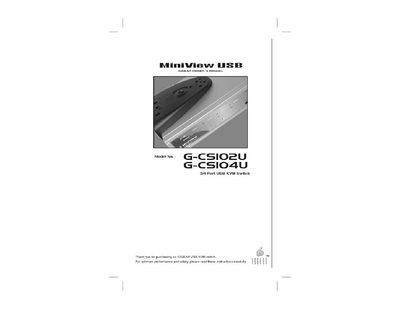
The MiniView™ USB KVM switch from IOGEAR provides a compact, plug‑and‑play solution for sharing a monitor, keyboard, mouse and up to four USB peripherals across two (G‑CS102U) or four (G‑CS104U) PCs. It works with Windows, Mac OS and other USB‑compliant operating systems without requiring additional software.
The manual covers safety information, unpacking, installation, connection diagrams, operation modes (including Auto Scan), troubleshooting, warranty, and contact details. Front‑panel LEDs indicate selected ports and status, while the built‑in Auto Scan mode cycles through connected computers automatically.
| Maximum video resolution | 1920 × 1440 (DDC2B) |
|---|---|
| Auto‑Scan interval | 3 seconds or 15 seconds |
| Power consumption | DC 5 V 15 mA |
| Operating temperature range | ‑20 °C to 53 °C |
| Storage temperature range | ‑20 °C to 60 °C |
| Humidity range | 0 % to 80 % RH (non‑condensing) |
| Weight (G‑CS102U) | 4.9 oz |
| Weight (G‑CS104U) | 38.83 oz |
| Dimensions (G‑CS104U) | 8.8" × 6.0" × 2.0" |
The switch can share up to four USB devices among the connected computers.
It supports video resolutions up to 1920 × 1440.
No software is required; the device is plug‑and‑play and OS‑independent.
The unit consumes 15 mA at 5 V DC.