
This document provides instructions on the basic usage of the Basics PM 260 and PM 290 printers, including preparing to print, choosing photos and printing, additional photo processing options, saving photos to a CD, printing from an external device, printing from a computer, replacing the print pack, taking PictureMate on the go, and setting PictureMate preferences.
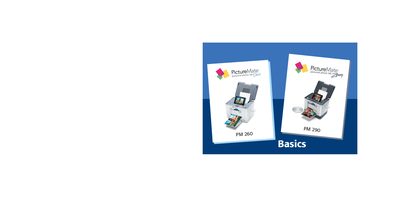
This manual covers the Basics PictureMate Dash and Zoom portable photo printers. It guides users through preparing the printer, selecting and printing photos from memory cards, saving images to CD or other media, and using optional features such as PictBridge, Bluetooth adapters, and external devices.
Additional sections describe special features, supported photo formats, paper loading, print pack replacement, battery operation, and troubleshooting tips. Contact information for Epson authorized resellers and online stores is also provided.
| Supported photo formats | JPEG, uncompressed TIFF |
|---|---|
| Resolution range | 80 × 80 to 9200 × 9200 pixels |
| Maximum photos per card | First 999 photos |
| Maximum paper load | 20 sheets at a time |
| Print Pack – Glossy paper | 150 sheets, part T5846 |
| Print Pack – Matte paper | 100 sheets, part T5845-M |
It can recognize and print up to the first 999 photos on the card.
You can load a maximum of 20 sheets at a time.
Yes, if the camera supports PictBridge or USB Direct Print, you can connect it and print directly.
Print Packs are available from Epson authorized resellers or online at www.epsonstore.com.