
Key facts
- Manuals
- 2
- Languages
- EN
- Last added
- 2012-07-04
Featured Basics manuals
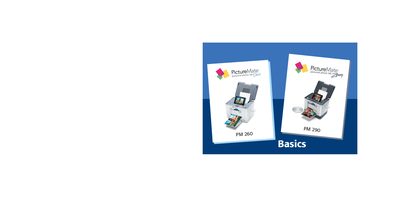
Basics PM260 PM290 PictureMate User Manual
This manual covers the Basics PictureMate Dash and Zoom portable photo printers. It guides users through preparing the printer, selecting and printing photos from memory cards, saving images to CD or other media, and using optional features such as PictBridge, Bluetooth adapters, and external devices.
Additional sections describe special features, supported photo formats, paper loading, print pack replacement, battery operation, and troubleshooting tips. Contact information for Epson authorized resellers and online stores is also provided.
Covers: Welcome · Prepare to Print · Choose Photos and Print · Do More With Your Photos · Save Photos to a CD · Print From an External Device
Latest Basics manuals
Basics Pro Tools M-Powered Version 7.0 Basics Guide
This document is a basic guide for Digidesign M-Powered™ Version 7.0, providing specific methods for new users to accomplish common tasks with Digidesign-qualified M-Audio interfaces and Pro Tools M-Powered software.
Basics PM260 PM290 PictureMate User Manual
User Manual 92 pages · 6.5 MB · ENThe Basics PictureMate user manual explains how to print photos directly from memory cards, replace print packs, and troubleshoot the device.
Which document do I need?
User Manual
Day-to-day operation, settings and troubleshooting. Start here if the product is already set up.
Questions answered in Basics manuals
How many photos can PictureMate print from a memory card?
It can recognize and print up to the first 999 photos on the card.
What is the maximum number of paper sheets that can be loaded at once?
You can load a maximum of 20 sheets at a time.