
This manual introduces the use of the laptop computer, including safety precautions, how to use the computer, how to operate the computer, etc.
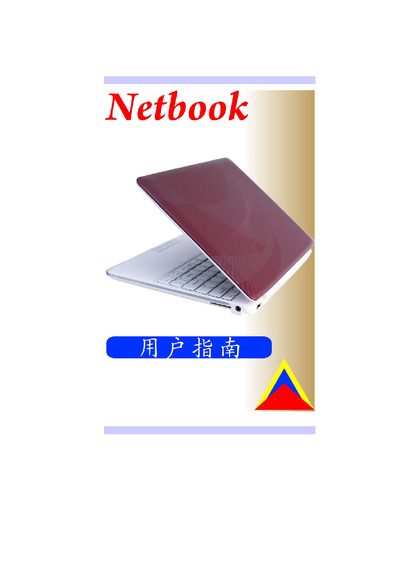
The manual covers basic usage, system setup, and safety information for the netbook. It includes details on the BIOS configuration, power management, and peripheral connections such as VGA and USB.
Technical sections describe the display, storage, battery, and power adapter specifications, along with compliance and regulatory information.
| Display | 10.17" SWVGA, 1024 x 576, 16:9 LED panel |
|---|---|
| Storage | 30 mm SATA II HDD, 1.8" 5 mm |
| Battery | 4 cells, 7.4 V/3400 mAh (2S2P) Li‑Polymer |
| Power Adapter | 100‑240 VAC, 50/60 Hz, 40 W, 2‑pin |
| Dimensions (with rubber foot) | 264 × 190 × 24.6‑25.3 mm |
| Weight | 1 kg (4‑cell battery) |
The netbook features a 10.17‑inch SWVGA LED panel with a resolution of 1024 × 576 and a 16:9 aspect ratio.
It uses a 4‑cell Li‑Polymer battery rated at 7.4 V and 3400 mAh (2S2P).
The netbook accepts an AC input of 100‑240 VAC, 50/60 Hz, up to 40 W via a 2‑pin connector.
It supports a 30 mm SATA II hard drive of 1.8‑inch size.