
Key facts
- Manuals
- 9
- Languages
- EN · ZH
- Last added
- 2012-02-15
Featured netbook manuals
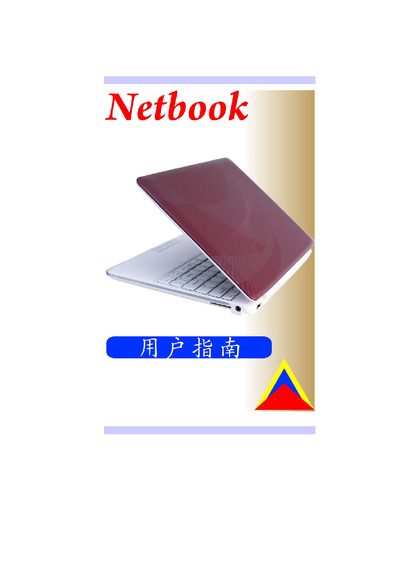
Netbook User Manual
The manual covers basic usage, system setup, and safety information for the netbook. It includes details on the BIOS configuration, power management, and peripheral connections such as VGA and USB.
Technical sections describe the display, storage, battery, and power adapter specifications, along with compliance and regulatory information.
Covers: Introduction · Hardware Overview · Display · Storage · Battery · Power Adapter
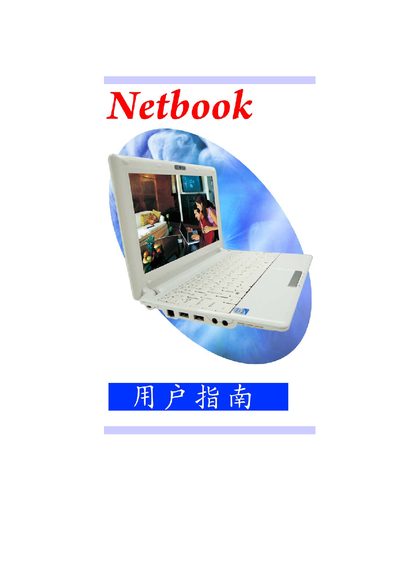
Netbook User Manual
This manual provides an overview of the netbook's hardware components, including the display, battery options, power adapter, and connectivity ports. It also describes BIOS configuration and basic operating procedures.
Key sections cover the LCD specifications, battery types, power requirements, USB and Wi‑Fi interfaces, and regulatory information such as CE and FCC compliance.
Covers: Hardware Overview · Display · Battery · Power Supply · Connectivity · BIOS Configuration
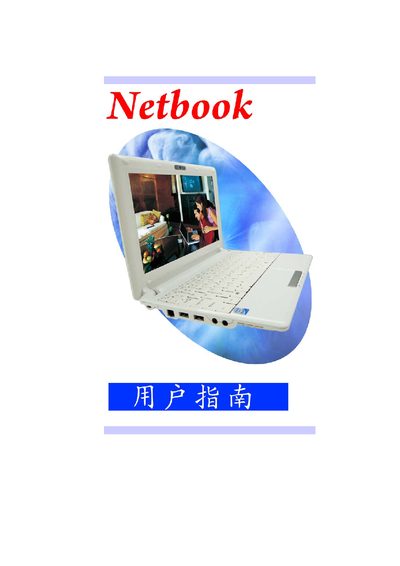
Netbook User Manual
This manual provides an overview of the netbook's hardware, including the display, storage, battery options, and power requirements. It also lists the available ports and wireless interfaces.
Additional sections describe BIOS features, physical dimensions, and regulatory compliance information, helping users set up and operate the device safely.
Covers: Display · Storage · Battery · Power Input · Connectivity · BIOS Features
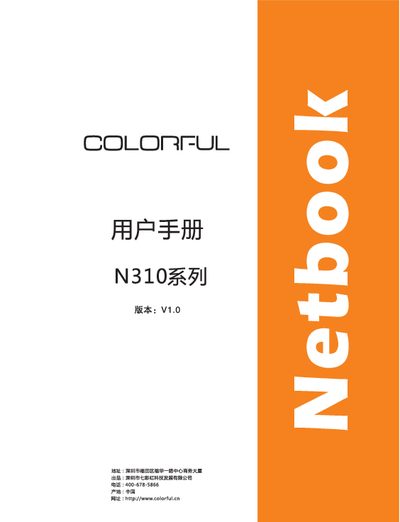
Chenkeshi Qixinghong N310 Netbook User Manual
This manual introduces the N310 netbook, covering supported operating systems, keyboard and mouse conventions, and safety precautions. It also details environmental limits and proper handling of accessories such as batteries and power adapters.
Readers are advised to keep the manual for future reference, follow all safety warnings, and contact the service center for any issues such as smoke, unusual odors, or hardware upgrades. This manual is written in Chinese.
Covers: Supported Operating Systems · Document Conventions · Keyboard Operation Conventions · Mouse Operation Conventions · Safety Precautions · Usage Guidelines
Latest netbook manuals
Netbook User Manual
User Manual 77 pages · 3 MB · ENThis manual provides operating instructions and technical specifications for a netbook computer.
Netbook User Manual
User Manual 70 pages · 2.3 MB · ENUser manual for a netbook, covering basic operation, BIOS settings, and hardware specifications.
Netbook User Manual
User Manual 70 pages · 2.3 MB · ENUser manual for a netbook covering hardware specifications, connectivity options, and basic operation.
Netbook Manual
Netbook COLORFUL N520 series user manual
Netbook COLORFUL S520 series user manual
Chenkeshi Qixinghong N310 Netbook User Manual
User Manual 64 pages · 3.1 MB · ZHThe N310 Netbook User Manual provides safety guidelines, operating instructions, and specifications for the device.
Netbook COLORFUL S101 series user manual
Colorful S101 Netbook User Manual
User Manual 44 pages · 3.6 MB · ZHThe Colorful S101 Netbook User Manual provides safety guidelines, specifications, setup, driver installation, and BIOS configuration instructions.
Which document do I need?
User Manual
Day-to-day operation, settings and troubleshooting. Start here if the product is already set up.
Questions answered in netbook manuals
What are the display specifications of the netbook?
The netbook features a 10.17‑inch SWVGA LED panel with a resolution of 1024 × 576 and a 16:9 aspect ratio.
From: Netbook User Manual
What type of battery does the netbook use?
It uses a 4‑cell Li‑Polymer battery rated at 7.4 V and 3400 mAh (2S2P).
From: Netbook User Manual
What battery options are available?
Two battery options are listed: a 3‑cell 2200 mAh and a 6‑cell 4400 mAh Samsung battery.
From: Netbook User Manual
Which wireless standard does the netbook support?
It supports IEEE 802.11 b/g Wi‑Fi.
From: Netbook User Manual
What power input does the netbook require?
The netbook accepts an automatic‑adjusting voltage input of 100‑240 VAC, 19 V, up to 30 W.
From: Netbook User Manual
What should I do if the product emits smoke or an unusual odor?
Immediately unplug the power cord and contact the service center for safety inspection.