
KL-W6000 is an industrial-grade product that supports the MODBUS protocol. It can seamlessly connect various types of sensors to the network, realize data acquisition, relay control, data transmission and other operations.
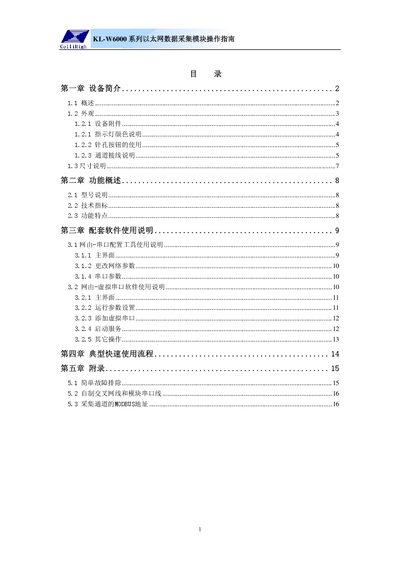
This manual introduces the KL-W6000 series Ethernet data acquisition module, describing its physical appearance, accessories, indicator LEDs, button functions, and wiring diagrams for analog, switch, and relay channels. It also provides dimensions and a list of supplied items.
The document explains the module's functional features, technical specifications, and how to configure network parameters and serial settings using the provided configuration tools. It includes a typical quick‑use workflow, troubleshooting tips, and detailed MODBUS address information for data collection. This manual is written in Chinese.
| Supply voltage | 24VDC (±20%) |
|---|---|
| Power consumption | <1W |
| Communication protocol | MODBUS RTU (UDP) |
| Analog input accuracy | 0.5% |
| Switch input type | TTL level or dry contact |
| Relay contact capacity | 1A 120VAC, 1A 24VDC |
| Ethernet speed | 10/100M |
| Operating temperature | -30°C to +70°C |
| Operating humidity | 5%–95% RH |
| RS‑485 transmission distance | 1500 m |
| Maximum RS‑485 devices | 32 |
| Data pass‑through length | 3 K |
Press the needle‑hole button briefly; the LED changes from green to red or vice versa, toggling between serial and virtual serial modes.
The factory defaults are IP 192.168.0.72, server IP 192.168.0.253, port 8000, gateway 192.168.0.1, subnet mask 255.255.255.0, and device address 1.
A steady green LED means the device is in serial configuration state, using the real serial port for communication.
Hold the needle‑hole button for more than three seconds; the LED turns orange steady and the module restores all factory settings.