
SD1500 series serial data network server quick configuration guide, introduces the product structure, configuration methods, and provides relevant download links
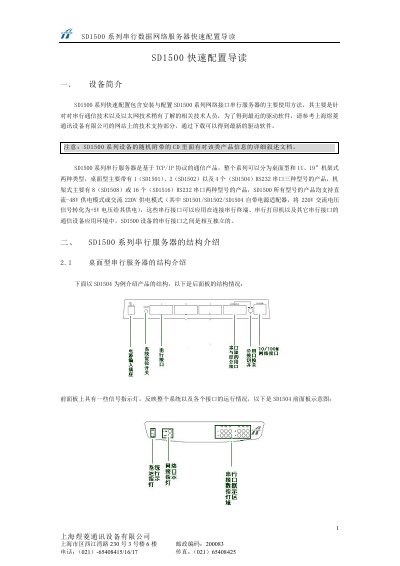
The SD1500 series network devices are 1U rack‑mount units designed for 19‑inch racks. The manual introduces the hardware layout, power options (‑48 V or 220 V), and the available RS‑232 ports for different models (4, 8 or 16 ports).\n\nConfiguration steps cover connecting the device to a PC, logging in via Telnet (default user and password are both “super”), setting the IP address (default 192.168.0.98/24), and adjusting MAC settings. Pin assignments for the DB9/DB25 connectors are listed, and troubleshooting tips are provided for common issues. This manual is written in Chinese.
| RS‑232 ports (model SD1504) | 4 |
|---|---|
| Pin1 function | TXOP |
| Pin2 function | TXON |
| Pin3 function | RXIP |
Use Telnet with the username and password both set to “super”.