
Key facts
- Manuals
- 2
- Languages
- ZH
- Last added
- 2012-02-11
Featured SD1500 manuals
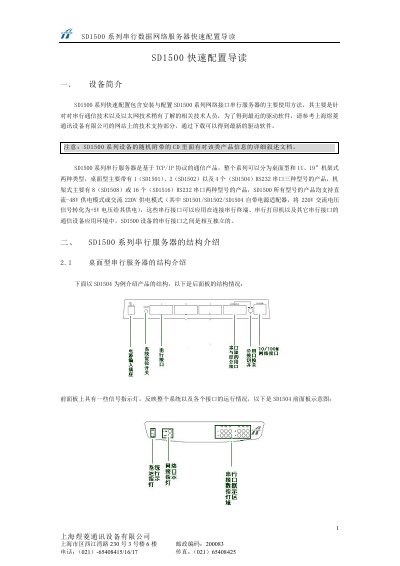
Ulink SD1500 Network Device Quick Configuration Manual
The SD1500 series network devices are 1U rack‑mount units designed for 19‑inch racks. The manual introduces the hardware layout, power options (‑48 V or 220 V), and the available RS‑232 ports for different models (4, 8 or 16 ports).\n\nConfiguration steps cover connecting the device to a PC, logging in via Telnet (default user and password are both “super”), setting the IP address (default 192.168.0.98/24), and adjusting MAC settings. Pin assignments for the DB9/DB25 connectors are listed, and troubleshooting tips are provided for common issues. This manual is written in Chinese.
Covers: Device Overview · Hardware Description · Power Options · Serial Port Options · Login and Telnet Access · IP and MAC Configuration
Ulink SD1500 Asynchronous Data Serial Server User Manual
The SD1500 series is an asynchronous data serial server that converts RS‑232 serial data to Ethernet for industrial automation and remote monitoring. It provides multiple RS‑232 ports, a 10/100 Mbps Ethernet interface, and supports common network protocols such as TCP/IP, UDP, TFTP and Telnet.
The document covers hardware description, serial port settings, management interfaces (Telnet, UART, TFTP), file transfer methods (Ymodem, Xmodem), and detailed configuration parameters like baud rate, data bits, parity and stop bits. This manual is written in Chinese.
Covers: Overview · Hardware Description · Working Principle · Features · Configuration · Serial Port Settings
Latest SD1500 manuals
Ulink SD1500 Network Device Quick Configuration Manual
Quick Start Guide 6 pages · 193 KB · ZHThis quick configuration manual provides setup steps, interface connections, and basic settings for the Ulink SD1500 series network devices.
Ulink SD1500 Asynchronous Data Serial Server User Manual
User Manual 29 pages · 1.8 MB · ZHThis manual explains installation, configuration and operation of the SD1500 asynchronous data serial server.
Which document do I need?
Quick Start Guide
The shortest path to a working setup, usually only a few pages.
User Manual
Day-to-day operation, settings and troubleshooting. Start here if the product is already set up.
Questions answered in SD1500 manuals
How do I log into the SD1500 device?
Use Telnet with the username and password both set to “super”.
From: Ulink SD1500 Network Device Quick Configuration Manual
How many RS‑232 ports does the SD1500 provide?
The device can be configured with 1, 2, 4, 8 or 16 RS‑232 ports depending on the model.
From: Ulink SD1500 Asynchronous Data Serial Server User Manual
Which network protocols are supported by the SD1500?
It supports TCP/IP, UDP, ARP, ICMP, TFTP and Telnet.
From: Ulink SD1500 Asynchronous Data Serial Server User Manual