
Instruction manual for DCR-SR62/SR300, introduces the safety precautions and usage of the product
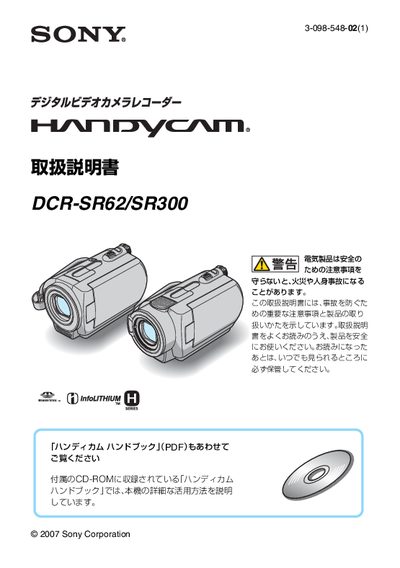
This manual explains important safety precautions for the DCR‑SR62 and DCR‑SR300 hand‑cameras, including warnings about electric shock, fire, and battery hazards. It also details how to prepare the device, charge the battery, and set the date and time before shooting.
The guide covers battery specifications, charging procedures, recording and playback times, remote‑control battery replacement, and troubleshooting tips. Support contact information and warranty details are provided at the end of the document. This manual is written in Japanese.
| Battery models | NP‑FH40 (for DCR‑SR62) and NP‑FH60 (for DCR‑SR300) |
|---|---|
| Charging time (full charge) | ≈ 125‑135 minutes |
| Playback time (full charge) | ≈ 110‑160 minutes |
| Remote‑control battery | CR2025 button‑type lithium cell (built‑in) |
Set the power switch to the charge position, connect the AC adapter to the DC IN terminal, and the charging lamp will light while charging; it turns off when charging is complete.
When the camera is first powered on, a [Date/Time Setup] screen appears; use the green button and the directional keys to adjust year, month, day, hour, and minute, then confirm.