
This document is the user manual for Concox-GT02 Vehicle Tracker, which introduces the features, characteristics, hardware specifications, and usage methods of the product.
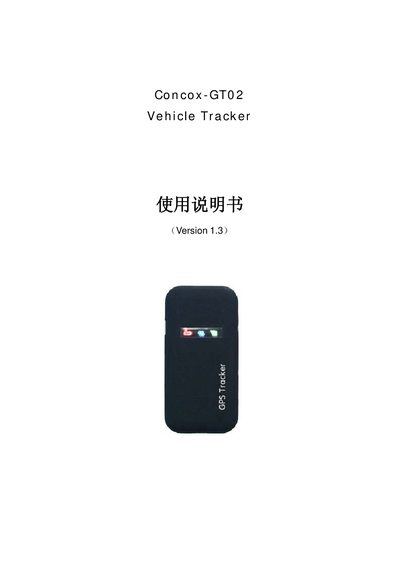
The GT02 is a compact GPS/GSM/GPRS vehicle tracking terminal designed for easy installation and maintenance‑free operation. It includes a high‑sensitivity SiRF Star III GPS chip, three status LEDs and supports power from a cigarette‑lighter socket or the vehicle battery.
The manual details how to power the device on and off, use the ear‑phone button for automatic calls, configure SMS commands for changing positioning intervals, modes, passwords and GPRS parameters, and interpret the red, blue and green LED indicators. Appendices provide a full list of SMS commands and LED status meanings. This manual is written in Chinese.
| GSM Bands | 900/1800 MHz |
|---|---|
| GPRS Class | Class 12 |
| GPS Chip | SiRF Star III |
| Number of GPS Channels | 20 |
| Power Input Range | 6‑28 V DC |
| Dimensions (L×W×H) | 90 mm × 45 mm × 12 mm |
| Operating Temperature | -10 °C to +60 °C |
Insert a SIM card, connect the power source, and the GT02 will automatically start; the power LED lights and the GSM and GPS LEDs flash.
Send an SMS with the format “DSSJ, password, minutes#” where the minutes value is between 1 and 300.