
This document is the operation manual for 85072A. It provides instructions for initial setup, fixture installation, network analyzer connection, and software installation. It also introduces the various parts of the split cylinder resonant cavity and provides steps and technical specifications for the measurement process.
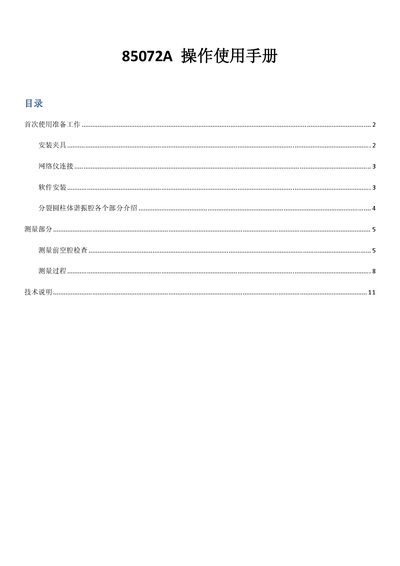
The Agilent 85072A operating manual guides users through the preparation, installation, and measurement steps for the split‑cylinder resonant cavity. It includes safety notes, fixture handling, and software installation required to operate the system with a PNA series network analyzer.
Key sections cover initial preparation (loosening transport screws and adjusting the micrometer), fixture installation, network analyzer connection, software setup, detailed description of cavity parts, and step‑by‑step measurement procedures including frequency settings, coupling adjustments, and data acquisition. This manual is written in Chinese.
| Measurement frequency range | 10.0 GHz – 10.06 GHz |
|---|---|
| Q factor (TE011 mode) | ≥ 20 000 |
| Sample thickness range | 0.1 mm – 5 mm |
| Minimum cavity diameter | 56 mm |
Select the S21 measurement, set the start frequency to 10 GHz, the stop frequency to 10.06 GHz, and choose Auto vertical scale.