
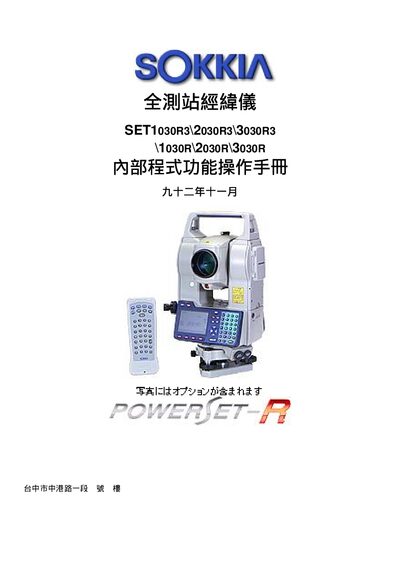
The Sokkia SET1030R3/2030R3/3030R3 total station is a full‑range surveying instrument. This internal program operation manual explains the instrument’s components, panel controls, and menu functions.
It covers basic recognition, display symbols, menu navigation, option configuration, basic measurement procedures such as angle, distance, and height, and advanced functions including coordinate measurement, set‑out, and area calculation. This manual is written in Chinese.
| Prism coefficient | -30 mm |
|---|---|
| Measurement mode default | Fine |
| Reflector type default | Prism |
Select the first point, set the horizontal angle to 0°, rotate to the second point, and read the displayed horizontal angle as the angle between the points.
Enter MEAS mode page 3, press ppm, choose Press/Temp mode, and input the pressure and temperature values.