
Raytek Ti30 thermal imager is a high-performance thermal imager with accurate temperature measurement, smooth imaging, ergonomic design, one-button operation and other features. Raytek Ti30 thermal imager can use AA batteries or rechargeable batteries, and can be used for 5 hours after a single charge. Raytek Ti30 thermal imager is also equipped with powerful analysis software and value-added training.
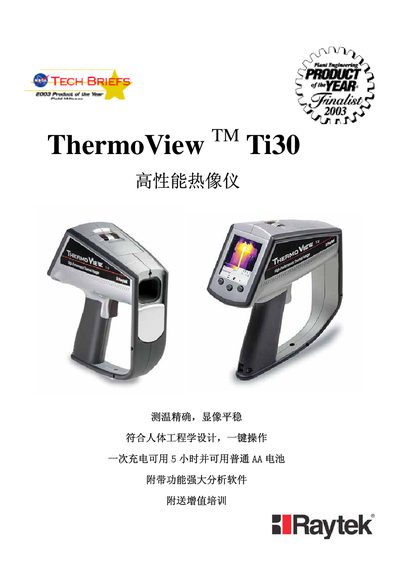
The ThermoView Ti30 is a handheld thermal imaging instrument with a large TFT LCD display, USB interface, and optional laser pointer for precise targeting. The manual describes the device’s parts, battery requirements, and measurement modes, as well as how to capture and store thermal images.
Included with the instrument is the InsideIR software package, which enables detailed analysis of temperature data, generation of temperature profiles, and export of raw temperature data to a PC via USB. Appendices provide material emissivity tables and unit conversion charts to aid accurate temperature measurement. This manual is written in Japanese.
| Battery | 6 x AA |
|---|---|
| Display | TFT LCD |
The Ti30 operates on six AA batteries.