
PCDVR-4-Net Manual is the user manual of PCDVR-4-Net, which mainly introduces the hardware installation, main display interface, recording, system settings and other contents
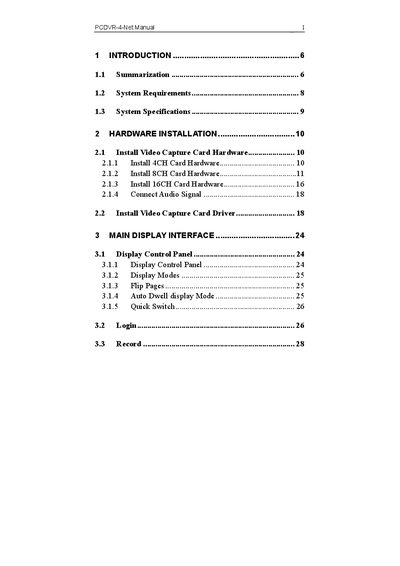
This manual introduces the PCDVR 4-Net series of digital video capture cards, covering hardware installation, driver setup, and system configuration. It explains key functions such as schedule recording, motion detection, sensor alarm, PTZ control, and remote surveillance.
The guide also details system requirements, multi‑channel display options, watchdog recovery, and troubleshooting steps for common issues like network speed, missing files, and playback problems.
| Supported channel configurations | 4, 8, and 16 channels |
|---|---|
| Maximum simultaneous channels | 16 channels real‑time |
| Maximum frame rate | 200 fps |
| Supported video resolutions | CIF (PAL 352×288, NTSC 320×240) |
| PAL/NTSC compatibility | Both PAL and NTSC |
| Multi‑card support per PC | 1 to 4 cards of the same model |
| Watchdog function | Automatic restart on driver or OS freeze |
| Language options | Chinese, English, and customizable |
| Image color adjustment per channel | Contrast, lightness, hue, saturation |
Use a single‑channel display mode and switch off any unused channels to reduce bandwidth usage.
The hard‑disk drive does not have enough free space, preventing new recordings from being saved.
Delete unnecessary files or run a disk defragmentation to reduce fragmentation on the HDD.