
Key facts
- Manuals
- 1
- Languages
- EN
- Last added
- 2012-02-05
Featured PCDVR-4-Net manuals
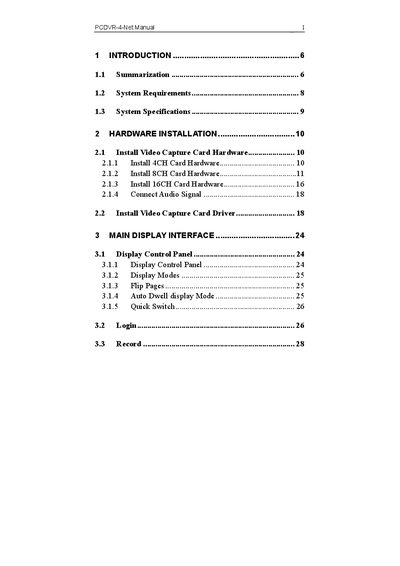
PCDVR 4-Net User Manual
This manual introduces the PCDVR 4-Net series of digital video capture cards, covering hardware installation, driver setup, and system configuration. It explains key functions such as schedule recording, motion detection, sensor alarm, PTZ control, and remote surveillance.
The guide also details system requirements, multi‑channel display options, watchdog recovery, and troubleshooting steps for common issues like network speed, missing files, and playback problems.
Covers: Introduction · System Requirements · Hardware Installation · Main Display Interface · System Setup · PTZ Control
Latest PCDVR-4-Net manuals
PCDVR 4-Net User Manual
User Manual 92 pages · 2.5 MB · ENThe PCDVR 4-Net User Manual provides installation, configuration, and operation instructions for the 4‑, 8‑, and 16‑channel video capture cards.
Which document do I need?
User Manual
Day-to-day operation, settings and troubleshooting. Start here if the product is already set up.
Questions answered in PCDVR-4-Net manuals
How can I improve video transmission speed on a slow network?
Use a single‑channel display mode and switch off any unused channels to reduce bandwidth usage.
From: PCDVR 4-Net User Manual
Why can’t I find the recorded files?
The hard‑disk drive does not have enough free space, preventing new recordings from being saved.
From: PCDVR 4-Net User Manual