
This document introduces the features and instructions for using the ALTEC TENSION CONTROLLER TC950 tension controller. This tension controller can be widely used in various applications that require precise tension measurement and control. It has high measurement and control accuracy, strong anti-interference performance, complete functionality, and simple operation.
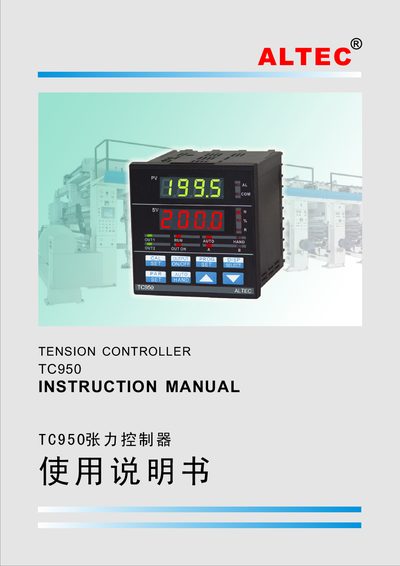
This manual describes the ALTEC TC950 digital tension controller, which can be used in manual, semi‑automatic or fully automatic modes for precise tension control in paper, film, textile and other roll‑based processes. It outlines the controller’s features, hardware modules, and the PID‑based control algorithm that ensures high accuracy and stability.
The document includes sections on installation, electrical connections, panel description, operation procedures, parameter configuration, calibration, and a full set of technical specifications. Appendices give wiring diagrams, typical application examples, and sensor installation details. This manual is written in Chinese.
| Measurement accuracy | ±0.2%FS |
|---|---|
| Analog input range | 0~50mV, 4~20mA, 0~20mA or 0~10V |
| Output signal types | PWM, high‑speed pulse, single‑phase and three‑phase phase‑shift pulses |
| Communication interfaces | RS‑232 (3‑wire), RS‑485 (2‑wire) |
| Power supply | 100~260 V AC, 50/60 Hz |
| Dimensions | 96 mm (W) × 96 mm (H) × 100 mm (D) |
Press the AUTO/HAND key to toggle between automatic and manual control; the corresponding indicator light shows the active mode.
Each output can be set to either 0–20 mA or 4–20 mA, with a drive capability of 750 Ω.
Hold the PAR/SET key for 3 seconds to enter parameter‑modify mode, then use the ▲/▼ keys to change values and press PAR/SET again to move to the next parameter.