
This manual introduces the usage of CP-101 model phone.
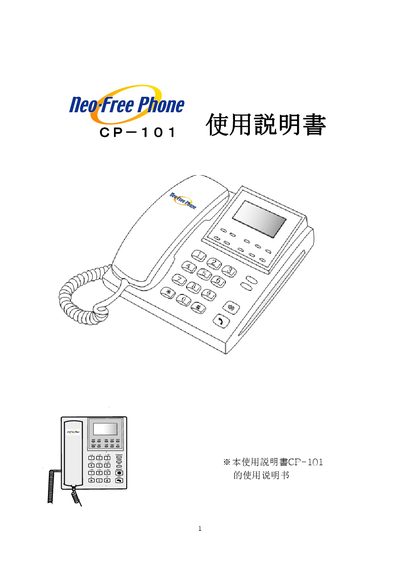
This manual guides users through the initial setup of the CP-101 telephone, including preparation, connection methods (DHCP, PPPoE, static IP) and configuration of multiple devices. It also explains additional features such as FXO, auto‑answer, hold, and message playback.
The document lists each part of the device, describes the side‑panel ports (transformer, computer, LAN, headset, and analog telephone line) and details how to input characters and special symbols using the keypad. This manual is written in Japanese.
Press the AutoAnswer button to toggle the auto‑answer mode.
Press the MUTE button to retain (mute) the audio.
The side panel includes a transformer connection, a computer connection, a LAN port, a headset jack, and an analog telephone line port.
Use the CLEAR key and follow the special‑character input table shown in the manual.