
Key facts
- Manuals
- 1
- Categories
- 1
- Languages
- JA
- Last added
- 2012-01-25
Featured CP-101 manuals
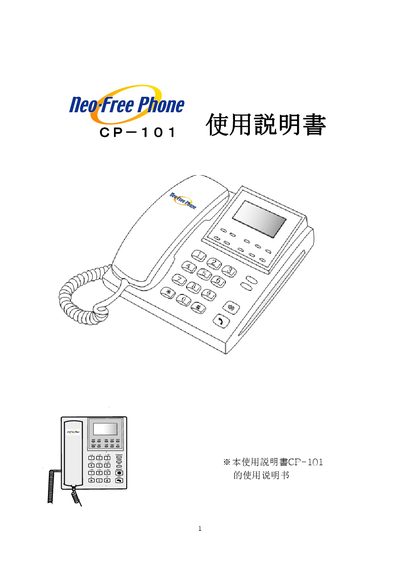
CP-101 Telephone User Manual
This manual guides users through the initial setup of the CP-101 telephone, including preparation, connection methods (DHCP, PPPoE, static IP) and configuration of multiple devices. It also explains additional features such as FXO, auto‑answer, hold, and message playback.
The document lists each part of the device, describes the side‑panel ports (transformer, computer, LAN, headset, and analog telephone line) and details how to input characters and special symbols using the keypad. This manual is written in Japanese.
Covers: Setup Procedure · Connection Methods · Additional Functions · Product Composition · Part Names and Functions · Side Port Descriptions
Latest CP-101 manuals
CP-101 Telephone User Manual
User Manual 39 pages · 1.2 MB · JAThe CP-101 Telephone User Manual provides setup steps, button functions, and port descriptions for configuring and operating the device.
Which document do I need?
User Manual
Day-to-day operation, settings and troubleshooting. Start here if the product is already set up.
Questions answered in CP-101 manuals
How do I enable auto‑answer on the CP-101?
Press the AutoAnswer button to toggle the auto‑answer mode.
Which button mutes the telephone audio?
Press the MUTE button to retain (mute) the audio.