
This is a user manual for SONY GV-D200 Digital Video Cassette Recorder, which introduces how to connect TV, prepare power, insert tape, search, play, record, set, etc.
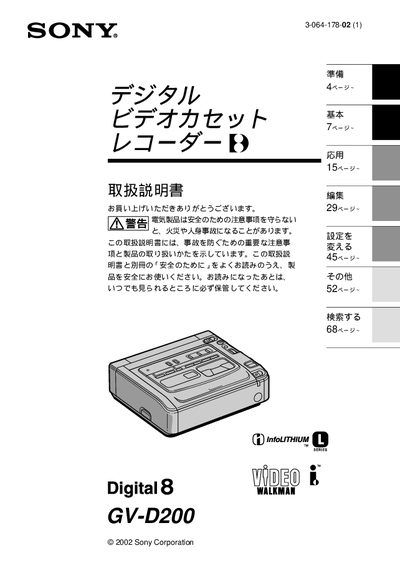
This manual explains how to prepare the camcorder, connect it to a TV, and use its recording and playback features. It includes safety warnings, power‑supply options, and detailed instructions for functions such as zoom, picture effects, and digital editing.
Additional sections cover battery operation, optional accessories like a car‑battery adapter, troubleshooting, and contact information for technical support. This manual is written in Japanese.
| Power source | DC IN (primary), AC adapter (secondary) |
|---|
Connect the supplied AV cable from the camcorder to the TV’s video and audio inputs; the recorded tape can then be viewed on the TV screen.
Perform a test recording first and verify that the recording and audio are captured correctly.