
This is a user manual for ASUS laptop, which mainly introduces the components of the computer, usage methods, safety precautions, etc.
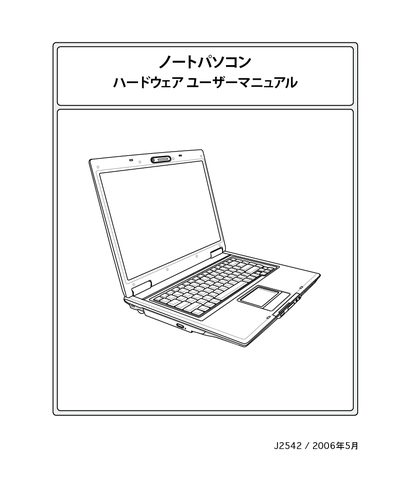
The manual begins with safety precautions and handling instructions, covering topics such as power‑on/off procedures, battery usage, and transport safety. It also describes the laptop’s hardware components, including the AC adapter, battery pack, storage devices, optical drive, and optional accessories.
Further sections explain operating system support, touch‑pad functions, power‑management modes, wireless connections, and troubleshooting tips. An appendix provides owner‑information fields for recording serial numbers, BIOS version, and software details. This manual is written in Japanese.
| Operating Temperature | 5 °C to 35 °C |
|---|