
Key facts
- Manuals
- 1
- Categories
- 1
- Languages
- JA
- Last added
- 2012-01-24
Featured 笔记本 manuals
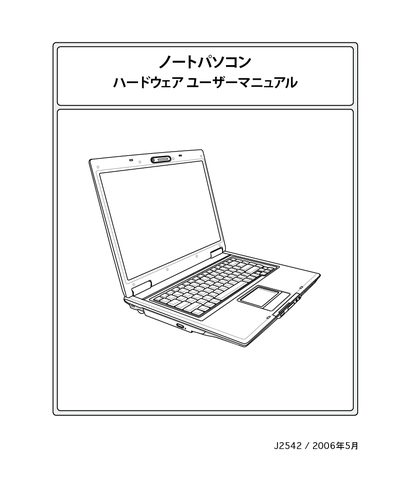
Laptop User Manual
The manual begins with safety precautions and handling instructions, covering topics such as power‑on/off procedures, battery usage, and transport safety. It also describes the laptop’s hardware components, including the AC adapter, battery pack, storage devices, optical drive, and optional accessories.
Further sections explain operating system support, touch‑pad functions, power‑management modes, wireless connections, and troubleshooting tips. An appendix provides owner‑information fields for recording serial numbers, BIOS version, and software details. This manual is written in Japanese.
Covers: Safety Precautions · Hardware Overview · Power and Battery Management · Operating System and Software Support · Touchpad and Input Devices · Connectivity Options
Latest 笔记本 manuals
Laptop User Manual
User Manual 74 pages · 3.6 MB · JAThis user manual provides safety guidelines, hardware overview, and operating instructions for a notebook computer.
Which document do I need?
User Manual
Day-to-day operation, settings and troubleshooting. Start here if the product is already set up.