
This document describes the common fault phenomena and troubleshooting methods of the EPRC10-EC solar power controller, as well as its technical specifications and main features.
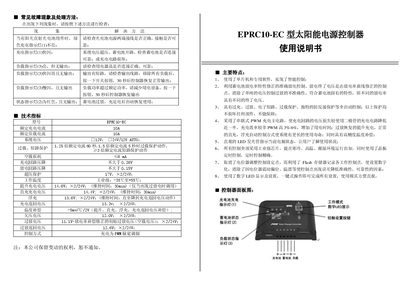
This manual provides detailed instructions for installing, configuring, and operating the EPRC10-EC solar power supply controller. It describes wiring, connection of the solar panel, battery, and load, as well as the use of the one‑touch button for setup and reset.
The document also lists technical specifications, protection features (over‑charge, over‑discharge, short‑circuit, overload, reverse‑polarity), LED status indicators, and multiple working modes such as pure light control, timed control, and general control. Troubleshooting guidance helps users diagnose common fault symptoms. This manual is written in Chinese.
| Rated charging current | 10 A |
|---|---|
| Rated load current | 10 A |
| System voltage | 12 V / 24 V |
| No‑load loss | 6 mA |
| Charging circuit voltage drop | ≤ 0.267 V |
| Discharging circuit voltage drop | ≤ 0.15 V |
| Over‑voltage protection | 17 V (24 V system) |
| Operating temperature | -35 °C to +55 °C |
| Charging method | PWM pulse‑width modulation |
| Dimensions | 140 mm × 90.5 mm |
Press the button once; the controller will restore normal output after about 30 seconds (or 10 seconds in some cases).
A steady green light indicates normal charging; a fast‑flashing green light indicates an over‑voltage condition.
Press and hold the setting button for 5 seconds, then release; each subsequent press cycles the LED display to the next mode number until the desired mode is shown.
It includes over‑charge, over‑discharge, electronic short‑circuit, overload, and reverse‑polarity protection, all of which operate automatically without damaging components.