
Key facts
- Manuals
- 1
- Languages
- ZH
- Last added
- 2012-01-22
Featured EPRC10-EC manuals
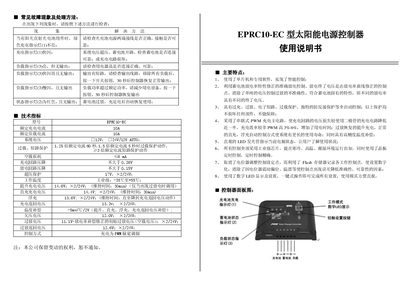
EPRC10-EC Solar Power Supply Controller User Manual
This manual provides detailed instructions for installing, configuring, and operating the EPRC10-EC solar power supply controller. It describes wiring, connection of the solar panel, battery, and load, as well as the use of the one‑touch button for setup and reset.
The document also lists technical specifications, protection features (over‑charge, over‑discharge, short‑circuit, overload, reverse‑polarity), LED status indicators, and multiple working modes such as pure light control, timed control, and general control. Troubleshooting guidance helps users diagnose common fault symptoms. This manual is written in Chinese.
Covers: Common Faults and Troubleshooting · Technical Specifications · Main Features · Controller Panel Diagram · Installation and Use · Charging and Over‑voltage Indication
Latest EPRC10-EC manuals
EPRC10-EC Solar Power Supply Controller User Manual
User Manual 2 pages · 236 KB · ZHUser manual for the EPRC10-EC solar power supply controller, covering installation, operation, and troubleshooting.
Which document do I need?
User Manual
Day-to-day operation, settings and troubleshooting. Start here if the product is already set up.
Questions answered in EPRC10-EC manuals
How do I reset the controller after an overload or short‑circuit condition?
Press the button once; the controller will restore normal output after about 30 seconds (or 10 seconds in some cases).
What does the green charging indicator mean?
A steady green light indicates normal charging; a fast‑flashing green light indicates an over‑voltage condition.