
GridMol 使用说明, introduces the methods of creating a new molecule and displaying an existing molecular coordinate file.
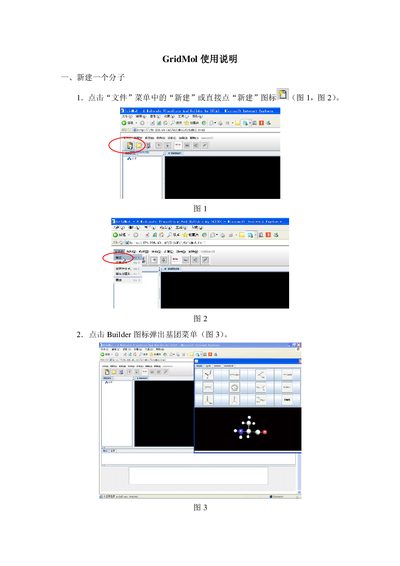
This manual explains how to build a new molecule in GridMol. Users can start a new project by selecting the File → New command or clicking the New icon, then add functional groups from the Builder menu and adjust geometry using the Modify menu.
It also covers how to open existing coordinate files (e.g., PDB), change display modes, and save work as coordinate files or images via the File → Save As options. This manual is written in Chinese.
Select File → New from the menu or click the New icon to start a new molecule.
Choose File → Save As Molecule to store the constructed molecule as a coordinate file.
Use File → Open, browse to the file’s location, and select the file to display it.