
This is the manual of wireless network card, which introduces the installation, connection, setting, security and other contents
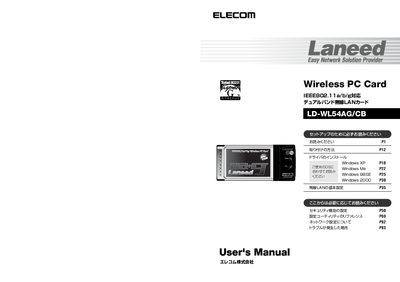
This manual provides step‑by‑step instructions for installing the LD‑WL54AG/CB wireless PC card, including driver installation from the supplied CD‑HOM disc and configuring the wireless LAN utility for Windows XP, Me, 98SE, and 2000. Safety precautions, warranty information, and troubleshooting tips are also included.
The document details the card’s specifications, supported IEEE 802.11a/b/g standards, security options (WEP, WPA‑PSK, WPA‑EAP), and how to register the product for support. Contact information for Elecom’s support center and warranty service procedures are provided at the end. This manual is written in Japanese.
| Product name | IEEE 802.11a/b/g Dual‑Band Wireless LAN Card |
|---|---|
| Model number | LD-WL54AG/CB |
| Maximum data rate | 54 Mbps (5 GHz) / 54 Mbps (2.4 GHz) |
The warranty period is one year from the date of purchase.
No, outdoor use of the 5 GHz band is prohibited by radio law.
Insert the supplied CD‑HOM disc and follow the on‑screen instructions to install the driver.