
Key facts
- Manuals
- 3
- Languages
- JA
- Last added
- 2012-02-16
Featured Laneed manuals
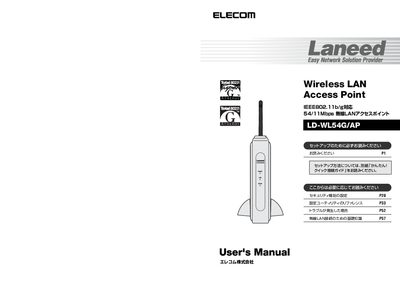
Elecom LD-WL54G/AP Wireless LAN Access Point User Manual
This manual provides step‑by‑step instructions for installing and configuring the Elecom LD‑WL54G/AP wireless LAN access point. It covers hardware setup, connecting to a network, and using the built‑in configuration utility.
Safety precautions, security features such as WPA‑PSK, WPA‑EAP, WEP, TKIP and AES, as well as troubleshooting tips are included to help users operate the device reliably. This manual is written in Japanese.
Covers: Introduction · Safety Precautions · Package Contents · Product Overview · Setup Procedure · Using Wireless LAN
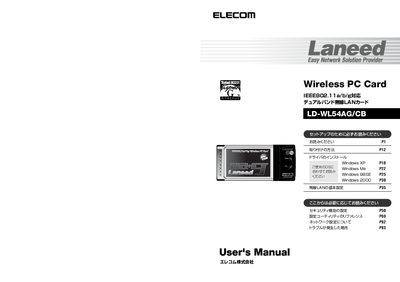
Elecom LD-WL54AG/CB User Manual
This manual provides step‑by‑step instructions for installing the LD‑WL54AG/CB wireless PC card, including driver installation from the supplied CD‑HOM disc and configuring the wireless LAN utility for Windows XP, Me, 98SE, and 2000. Safety precautions, warranty information, and troubleshooting tips are also included.
The document details the card’s specifications, supported IEEE 802.11a/b/g standards, security options (WEP, WPA‑PSK, WPA‑EAP), and how to register the product for support. Contact information for Elecom’s support center and warranty service procedures are provided at the end. This manual is written in Japanese.
Covers: Introduction · Package Contents · Product Features · Installation Procedure · Driver Installation · Wireless LAN Configuration
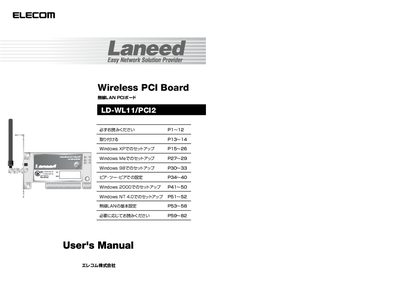
Laneed LD-WL11/PC12 Manual
This manual covers the Elecom LD-WL11/ZPCE 1 Mbps wireless LAN PCI board, a PC expansion card that enables high‑speed wireless networking using IEEE 802.11b. It describes the product’s features, supported operating systems, and basic performance specifications.
The document includes safety precautions, a step‑by‑step installation flow, driver installation from the supplied CD, configuration of wireless settings (ESS ID, WEP, MAC filtering), troubleshooting tips, and support contact information. A concise specification table is provided at the end of the manual. This manual is written in Japanese.
Covers: はじめに · 安全にお使いただくために · 導入の手順フロー · パッケージ内容の確認 · 本製品の概要について · 無線LANの基礎知識
Latest Laneed manuals
Elecom LD-WL54G/AP Wireless LAN Access Point User Manual
User Manual 39 pages · 1.1 MB · JAThe Elecom LD‑WL54G/AP user manual explains setup, safety, security settings and troubleshooting for the wireless LAN access point.
Elecom LD-WL54AG/CB User Manual
User Manual 49 pages · 1.4 MB · JAUser manual for the Elecom LD-WL54AG/CB dual‑band wireless LAN PC card, covering installation, configuration, safety, and support.
Laneed LD-WL11/PC12 Manual
User Manual 43 pages · 1.3 MB · JAThe Elecom LD-WL11/ZPCE wireless LAN PCI board user manual provides safety instructions, installation steps, driver setup, configuration guidance, and…
Which document do I need?
User Manual
Day-to-day operation, settings and troubleshooting. Start here if the product is already set up.
Questions answered in Laneed manuals
What is the warranty period for the LD‑WL54AG/CB?
The warranty period is one year from the date of purchase.
Can the LD‑WL54AG/CB be used outdoors?
No, outdoor use of the 5 GHz band is prohibited by radio law.