
BDM12 is a development tool for Freescale's 12 series MCU, with low cost, convenient interface, support for widely used debugger Codewarrior, etc.
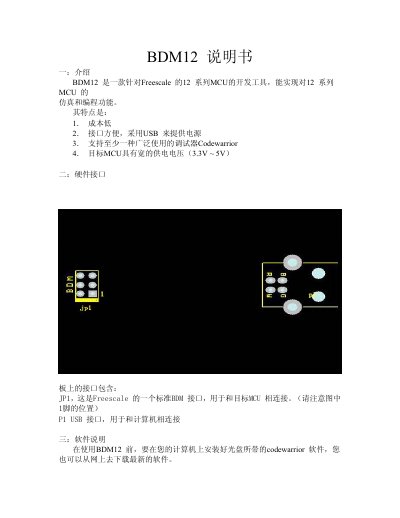
The BDM12 is a low‑cost development tool for Freescale 12‑series microcontrollers. It provides a USB‑powered interface (JP1) that connects to the target MCU and supports the Codewarrior debugger. The target MCU can operate from 3.3 V to 5 V.
The manual guides you through installing the required Windows driver (using the bin_tbdml_win_driver_11.zip package), setting up the Codewarrior software, and configuring the Hi‑wave debugger. After driver installation and a system reboot, the BDM12 appears in the debugger, allowing you to program and debug your MCU projects. This manual is written in Chinese.
| Power Interface | USB provides power |
|---|---|
| Target MCU Voltage Range | 3.3 V – 5 V |
| BDM Connector | JP1 standard Freescale BDM interface |
| Supported Debugger | Codewarrior |
Connect the BDM12 via USB, let Windows detect the new hardware, choose “Install from a specific location”, and select the driver found in the bin_tbdml_win_driver_11.zip file on the supplied CD.
You need to install the Codewarrior software and the USB driver plus the Windows DLL interface library, all of which are provided on the accompanying CD.