
This document is a user manual that describes the features and characteristics of the product.
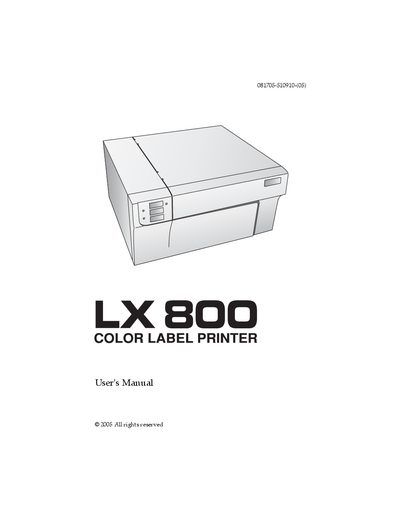
This manual guides users through unpacking, installing, and operating the LX800 Color Label Printer. It includes location recommendations, power connection, driver installation, and detailed instructions for loading label stock and ink cartridges.
Additional sections cover driver settings, using NiceLabel software, troubleshooting common issues, and detailed label specifications. Safety warnings and FCC compliance information are also provided.
| Minimum PC Processor | Pentium IV |
|---|---|
| Minimum PC RAM | 512 MB |
| Minimum PC Hard Drive Space | 5 GB free |
| Minimum Mac Processor | G4 PowerPC 700 MHz or higher |
| Minimum Mac RAM | 256 MB |
| Power Input Rating | 30 VDC, 830 mA or 1.0 A |
A PC must have a Pentium IV processor, at least 512 MB of RAM, and 5 GB of free hard‑drive space.