
Key facts
- Manuals
- 1
- Languages
- EN
- Last added
- 2012-01-15
Featured LX800 manuals
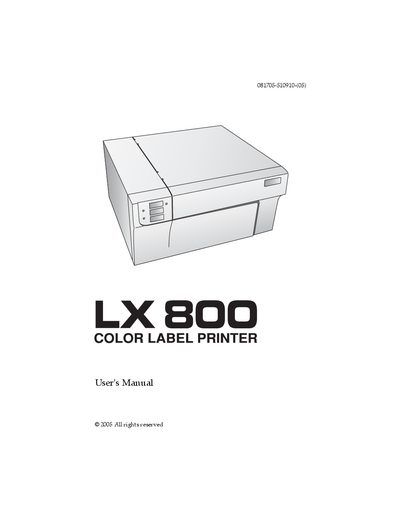
LX LX800 Color Label Printer User Manual
This manual guides users through unpacking, installing, and operating the LX800 Color Label Printer. It includes location recommendations, power connection, driver installation, and detailed instructions for loading label stock and ink cartridges.
Additional sections cover driver settings, using NiceLabel software, troubleshooting common issues, and detailed label specifications. Safety warnings and FCC compliance information are also provided.
Covers: Getting Started · Supplies and Driver Settings · Using the Printer · Troubleshooting and Maintenance · Label Specifications · Safety and FCC Compliance
Latest LX800 manuals
LX LX800 Color Label Printer User Manual
User Manual 50 pages · 1.6 MB · ENThe LX800 Color Label Printer User Manual provides setup, operation, and safety instructions for the LX800 label printer.
Which document do I need?
User Manual
Day-to-day operation, settings and troubleshooting. Start here if the product is already set up.
Questions answered in LX800 manuals
What are the minimum PC specifications required for the LX800 printer?
A PC must have a Pentium IV processor, at least 512 MB of RAM, and 5 GB of free hard‑drive space.