
This is a user manual for a Canon digital camera, which mainly introduces the camera's shooting, playback, editing, and use of recorded images.
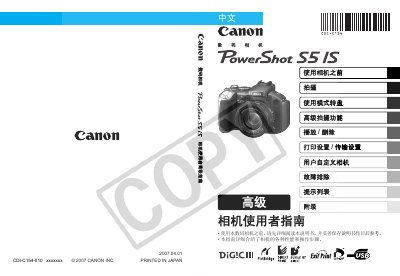
This user manual describes the Canon PowerShot S5 IS digital camera and its operating features. It covers basic camera operation, still-image and movie shooting, playback, image management, printing, and My Camera settings.
The manual also includes troubleshooting, tips, accessory information, care and maintenance guidance, specifications, and an index. It notes that the camera uses SD, SDHC, and MultiMediaCard memory cards. This manual is written in Chinese.
| Optical zoom | 12x |
|---|---|
| Movie recording | Available in any mode, with stereo sound |
| Memory card support | SD, SDHC, and MultiMediaCard |
The camera can use SD memory cards, SDHC memory cards, and MultiMediaCard (MMC) cards.
Yes. Movies can be recorded in any mode, and the recorded movies include stereo sound.
Yes. It covers image playback, slideshow playback, image management, and printing with compatible PictBridge printers.