
Donghui intelligent instrument and meter two-way multi-function display instrument, its main features are: strong anti-electromagnetic interference ability, can work stably in a very harsh electromagnetic interference environment; strictly in accordance with ISO9001 system requirements for design and production, using surface mount technology, high integration; full range number input, can be adapted to various range numbers of thermocouple, thermocouple, voltage signal, current signal, millivolt signal and remote transmission pressure gauge; realize A, B two different sensor signal input; have all the characteristics of single input instrument.
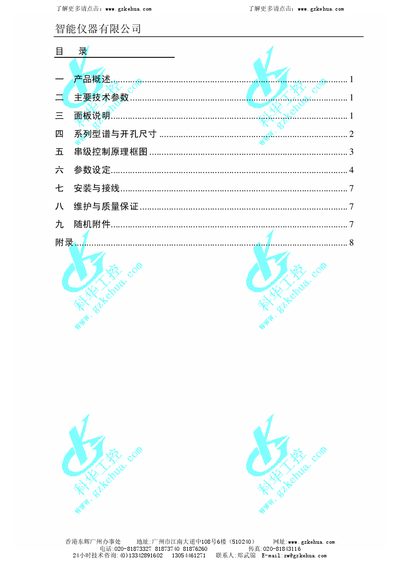
The document introduces the Smart Instruments meter, describing its high integration, modular circuit structure, and robust anti‑interference design. It covers product overview, technical specifications, panel description, series dimensions, cascade control theory, and parameter configuration.
Installation, wiring diagrams, maintenance guidelines, and troubleshooting steps are included, along with a list of accessories and an appendix for output correction. Contact information for technical support is provided throughout. This manual is written in Chinese.
| Operating temperature | 0‑50 °C |
|---|---|
| Relative humidity | >90 % |
| AC power supply | 85‑265 V AC, 50/60 Hz |
| DC power supply | 24 V DC |
| Input impedance (voltage type) | >800 kΩ |
| Relay contact rating | 5 A 240 V AC or 5 A 24 V DC |
Press the ENT key to toggle between manual and automatic operation.
Use the SET key to confirm menu selections and parameter values.
No special maintenance is needed; keep the instrument dry to avoid moisture damage.
Follow the steps in Appendix A "输出修正设定" to adjust the output calibration.