
TDY is a high precision and multi-functional temperature transmitter with display. It can be used as an interface instrument between sensors and controllers.
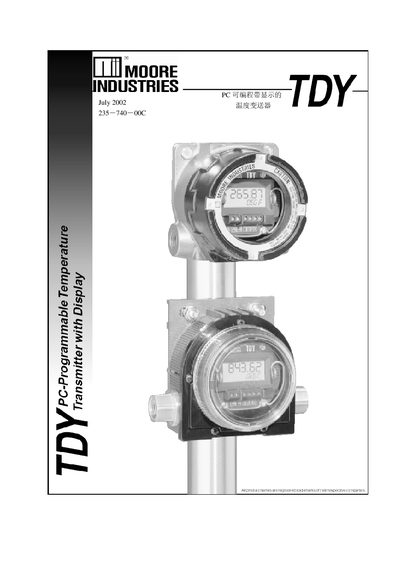
This manual introduces the TDY 235-740-00C temperature transmitter, a two‑wire loop‑powered device with a built‑in display. It details how to install the TDY configuration software on a PC, connect the transmitter via a COM port, and use the software to set input types, ranges, display options, and output parameters.
The guide also covers advanced features such as reverse‑output configuration, input and output trimming, custom linearization curves, loop testing, and how to back up or restore configuration files. Installation and wiring instructions, including grounding and cable shielding recommendations, are provided in the final sections. This manual is written in Chinese.
| Supported Input Types | Thermocouple, RTD, resistance, millivolt source, potentiometer |
|---|---|
| Output Signal | 4‑20 mA (proportional or inverse) |
| Power Supply | Two‑wire loop powered |
| Enclosure Rating | NEMA 4X, explosion‑proof |
The transmitter supports thermocouples, RTDs, resistance inputs, millivolt sources, and potentiometers.
In the configuration software select the Input Zero and Input Full fields, enter a zero value greater than the full‑scale value, and download the settings to the device.