
Key facts
- Manuals
- 1
- Languages
- ZH
- Last added
- 2012-01-10
Featured TDY manuals
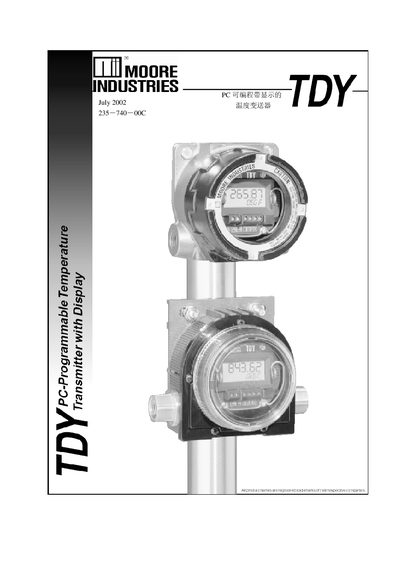
TDY 235-740-00C Temperature Transmitter User Manual
This manual introduces the TDY 235-740-00C temperature transmitter, a two‑wire loop‑powered device with a built‑in display. It details how to install the TDY configuration software on a PC, connect the transmitter via a COM port, and use the software to set input types, ranges, display options, and output parameters.
The guide also covers advanced features such as reverse‑output configuration, input and output trimming, custom linearization curves, loop testing, and how to back up or restore configuration files. Installation and wiring instructions, including grounding and cable shielding recommendations, are provided in the final sections. This manual is written in Chinese.
Covers: Introduction · TDY Configuration Overview · Installation of Configuration Software · Required Components · Input Type Selection · Input Range and Reverse Output Settings
Latest TDY manuals
TDY 235-740-00C Temperature Transmitter User Manual
User Manual 22 pages · 679 KB · ZHThe TDY 235-740-00C temperature transmitter manual explains PC programming, installation, configuration, and testing procedures.
Which document do I need?
User Manual
Day-to-day operation, settings and troubleshooting. Start here if the product is already set up.
Questions answered in TDY manuals
Which input sensor types can be configured for the TDY transmitter?
The transmitter supports thermocouples, RTDs, resistance inputs, millivolt sources, and potentiometers.
How can I set the transmitter to produce a reverse‑output signal?
In the configuration software select the Input Zero and Input Full fields, enter a zero value greater than the full‑scale value, and download the settings to the device.