
ORITE DV User Manual mainly introduces the appearance, accessories, body introduction, preparation before taking pictures, basic photo shooting, watching images, advanced shooting mode, advanced playback, connecting your camera, supplementary explanations and other contents.
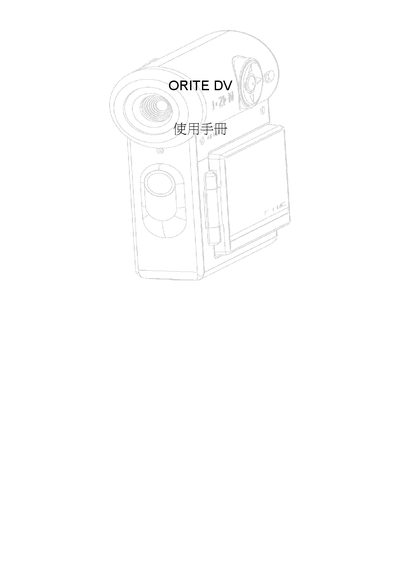
This manual explains how to operate the ORITE DV camera, covering basic functions such as photography mode, movie mode, and playback. It includes quick‑setting guides, safety warnings, and a technical specification section.
The guide also details menu options for white balance, resolution, battery management, language selection, and file handling, helping users customize image quality and manage stored media.
| Maximum image resolution | 1600x1200 |
|---|---|
| LCD screen size | 1.5" TFT LCD |
Select the White Balance menu and choose from Auto, Sunlight, Cloud, or Fluorescent.
In the menu, choose the desired resolution such as 640x480, 320x240, or 160x120.
Use the Auto Power Off setting and select 3 min or Off.
Enter Playback Mode and choose DELETE ALL.