
Key facts
- Manuals
- 1
- Languages
- EN
- Last added
- 2000-01-01
Featured Orite manuals
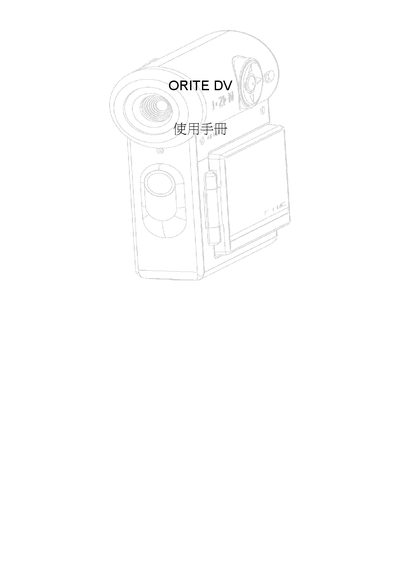
ORITE DV User Manual
This manual explains how to operate the ORITE DV camera, covering basic functions such as photography mode, movie mode, and playback. It includes quick‑setting guides, safety warnings, and a technical specification section.
The guide also details menu options for white balance, resolution, battery management, language selection, and file handling, helping users customize image quality and manage stored media.
Covers: Technical Specification · Quick Setting Guide · Photography Mode · Movie Mode · White Balance · Battery Life
Latest Orite manuals
ORITE DV User Manual
User Manual 43 pages · 1.3 MB · ENThe ORITE DV user manual provides operating instructions, settings, and specifications for the digital camera.
Which document do I need?
User Manual
Day-to-day operation, settings and troubleshooting. Start here if the product is already set up.
Questions answered in Orite manuals
How do I change the white balance?
Select the White Balance menu and choose from Auto, Sunlight, Cloud, or Fluorescent.
From: ORITE DV User Manual
How can I set the video resolution?
In the menu, choose the desired resolution such as 640x480, 320x240, or 160x120.
From: ORITE DV User Manual