
This manual provides installation instructions for the iCLASS® RK40, RWK400, RPK40 readers, including reader configuration, installation, and connection.
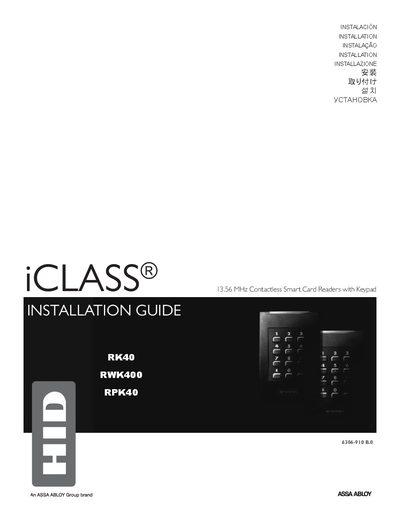
This document provides everything needed to install the iCLASS RK40, RWK400 and RPK40 contactless smart card readers. It includes a parts list, technical specifications, wiring terminal descriptions, and step‑by‑step installation instructions.
Key information includes supported communication interfaces (Wiegand, Clock‑and‑Data, RS232, RS485, USB, UART), power requirements, recommended cable lengths, expansion‑module options, and safety precautions such as not removing expansion modules after installation.
| Input Voltage | 5‑16 VDC |
|---|---|
| Operating Temperature | -30 °F to 150 °F (‑35 °C to 65 °C) |
| Wiegand Cable Length (22 AWG) | 500 ft (152.4 m) |
| RS232 Cable Length | 50 ft (15.24 m) |
| RS485 Cable Length | 4000 ft (1,219.2 m) |
| USB Cable Length | 16 ft (4.9 m) |
| Maximum Wire Splices (Pigtail) | 9 |
The readers operate from a linear DC power supply ranging from 5 VDC to 16 VDC.
No. Once the expansion modules are installed they must not be removed.
In addition to Wiegand or Clock‑and‑Data, the readers support RS232, RS485, USB, and UART communications.
Up to nine wire splices (pigtail) are recommended.