
UM-CAM is a USB digital microscope that can take pictures and observe objects, and can be edited and stored through the application.
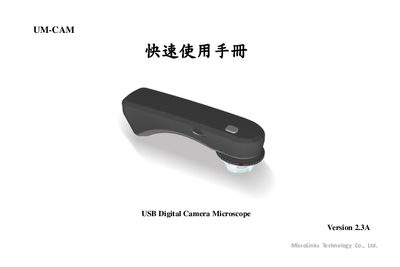
This quick start guide introduces the UM-CAM USB digital camera microscope, describing its main hardware components and how to connect it to a computer via USB. It also provides an overview of the supplied software and basic operating procedures.
The manual includes step‑by‑step instructions for installing the UM‑CAM program, using the camera for image capture, and troubleshooting common issues. It is intended for users who need a fast reference to get the microscope up and running.
| Interface | USB 2.0 |
|---|
Run the Autorun.exe program that is provided on the installation disc or USB package.
The microscope connects to a computer using a USB 2.0 cable.