
Key facts
- Manuals
- 1
- Languages
- EN
- Last added
- 2012-01-08
Featured MicroLinks manuals
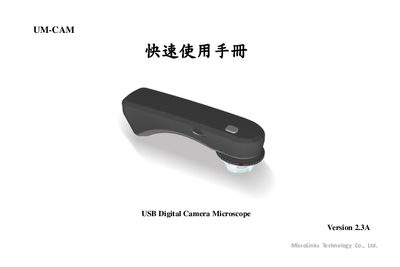
MicroLinks UM-CAM USB Digital Camera Microscope Quick Start Guide
This quick start guide introduces the UM-CAM USB digital camera microscope, describing its main hardware components and how to connect it to a computer via USB. It also provides an overview of the supplied software and basic operating procedures.
The manual includes step‑by‑step instructions for installing the UM‑CAM program, using the camera for image capture, and troubleshooting common issues. It is intended for users who need a fast reference to get the microscope up and running.
Covers: Introduction · Hardware Overview · Software Installation · Operating the Microscope · Specifications · Troubleshooting
Latest MicroLinks manuals
MicroLinks UM-CAM USB Digital Camera Microscope Quick Start Guide
Quick Start Guide 7 pages · 428 KB · ENQuick start guide for the MicroLinks UM-CAM USB digital camera microscope, covering basic setup and operation.
Which document do I need?
Quick Start Guide
The shortest path to a working setup, usually only a few pages.
Questions answered in MicroLinks manuals
How do I install the UM-CAM software?
Run the Autorun.exe program that is provided on the installation disc or USB package.
From: MicroLinks UM-CAM USB Digital Camera Microscope Quick Start Guide
What type of connection does the UM-CAM use?
The microscope connects to a computer using a USB 2.0 cable.
From: MicroLinks UM-CAM USB Digital Camera Microscope Quick Start Guide