
VMware Fusion 2 lets you use both Mac and Windows simultaneously and run your favorite Windows applications and devices seamlessly on your Mac. VMware Fusion is designed for the Mac and makes it easy to transition to the Mac. You can use Windows applications, take full advantage of your Windows software assets, and use it as a safety measure to transition to the Mac. VMware Fusion has won many awards in the industry. It uses proven and powerful technology while providing a Mac user-friendly environment. With VMware Fusion, you can make Windows perform well on your Mac.
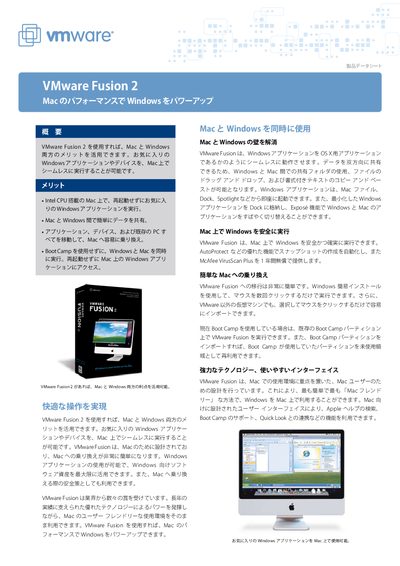
VMware Fusion 2 enables Intel‑CPU Macs to run Windows applications side‑by‑side without rebooting, providing seamless file sharing, drag‑and‑drop, and integration with Mac features like Dock and Spotlight. It also offers migration tools such as VMware Converter and support for Boot Camp partitions.
The product includes advanced capabilities such as AutoProtect automatic snapshot creation, experimental DirectX 90 Shader Model 2 3D acceleration, multi‑display support, and a large library of pre‑built virtual appliances. It is marketed for business, education, home, and technical users, with a 30‑day free trial available. This manual is written in Japanese.
| Supported guest operating systems | over 60 |
|---|---|
| Maximum virtual CPUs per VM | 4 |
| Pre‑built virtual appliances | over 700 |
| 3D acceleration support | DirectX 90 Shader Model 2 (experimental) |
| AutoProtect snapshot interval | automatic at configured intervals |
The AutoProtect feature automatically creates snapshots of a running virtual machine at set intervals.
Yes, a 30‑day free evaluation version can be downloaded.