
This application describes how to use AX1003 to implement USB HID Keyboard solution.
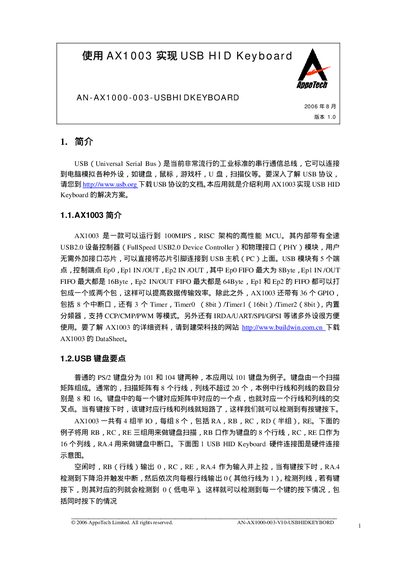
The document describes a solution that uses the AppoTech AX1003 microcontroller to create a USB HID keyboard. It covers the required hardware connections, firmware flow, and USB protocol handling needed for the keyboard to be recognized by a PC.
Key sections include a hardware connection diagram (RB for rows, RC/RE for columns, RA.4 as interrupt), initialization of the chip clock, I/O ports, and USB module, as well as the keyboard scanning algorithm and USB data transfer procedures. This manual is written in Chinese.
| CPU performance | up to 100 MIPS, RISC architecture |
|---|---|
| USB controller | Full‑speed USB 2.0 device controller with PHY |
| USB endpoints | 5 endpoints (Ep0, Ep1 IN/OUT, Ep2 IN/OUT) |
| FIFO sizes | Ep0 8 Byte, Ep1 IN/OUT 16 Byte, Ep2 IN/OUT 64 Byte |
| GPIO pins | 36 GPIO pins, including 8 interrupt pins |
| Timers | 3 timers: Timer0 (8‑bit), Timer1 (16‑bit), Timer2 (8‑bit) |
| USB module clock | operates at 48 MHz |
The USB module must operate at 48 MHz.
The AX1003 provides 36 GPIO pins, including 8 interrupt pins.
Endpoint Ep2 IN/OUT FIFO can hold up to 64 bytes.