
Key facts
- Manuals
- 2
- Categories
- 1
- Languages
- ZH
- Last added
- 2012-03-09
Featured Appo manuals
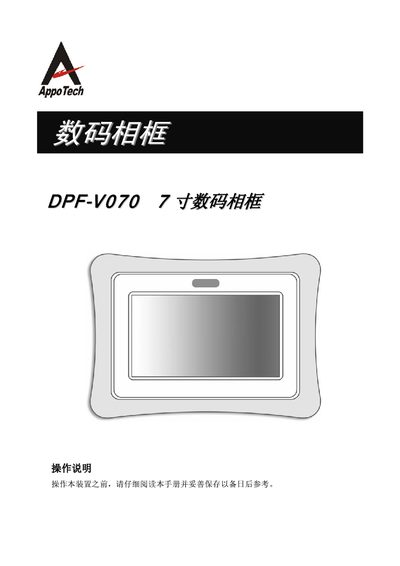
Appo Tech DPF-VO70digital frame operating instructions
This manual explains how to install the DPF-V070 digital photo frame, connect power and storage devices, and configure basic settings such as clock, display mode, and language. It also describes the remote‑control functions for browsing pictures, playing music, and reading text files.
Safety precautions, power requirements, and detailed specifications of the LCD panel, interfaces, and supported file formats are included, along with troubleshooting tips and how to reset the device to factory defaults. This manual is written in Chinese.
Covers: Operation Instructions · Component Identification · Clock Setting · Picture Browsing Modes · Music Playback · System Settings
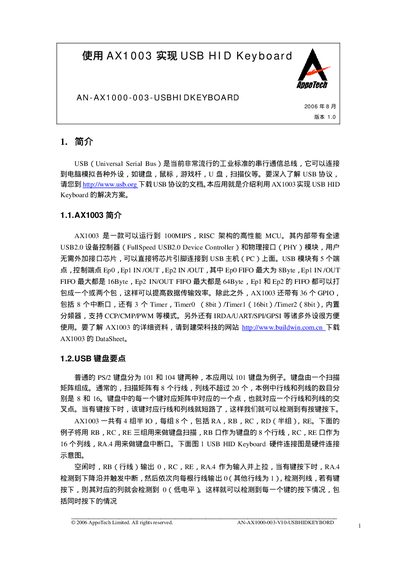
APPO TECH makeuse AX1003 USB HID Keyboar AN-AX1000-003-USBHIDKEYBOARD Manual
The document describes a solution that uses the AppoTech AX1003 microcontroller to create a USB HID keyboard. It covers the required hardware connections, firmware flow, and USB protocol handling needed for the keyboard to be recognized by a PC.
Key sections include a hardware connection diagram (RB for rows, RC/RE for columns, RA.4 as interrupt), initialization of the chip clock, I/O ports, and USB module, as well as the keyboard scanning algorithm and USB data transfer procedures. This manual is written in Chinese.
Covers: Introduction · AX1003 Overview · USB Keyboard Key Points · Hardware Connection Diagram · Program Implementation · Chip Clock Initialization
Latest Appo manuals
Appo Tech DPF-VO70digital frame operating instructions
User Manual 12 pages · 783 KB · ZHThe DPF-V070 digital photo frame user manual provides setup, operation, and maintenance instructions.
APPO TECH makeuse AX1003 USB HID Keyboar AN-AX1000-003-USBHIDKEYBOARD Manual
Application Note 34 pages · 97 KB · ZHThis application note explains how to use the AppoTech AX1003 MCU to implement a USB HID keyboard.
Which document do I need?
User Manual
Day-to-day operation, settings and troubleshooting. Start here if the product is already set up.
Application Note
How to use the product for one specific task, with worked examples.
Questions answered in Appo manuals
How can I reset the frame to factory defaults?
Open the System Settings menu, choose “恢复出三值” (reset to factory defaults), and confirm with the Enter key; all settings except the clock will be restored.
From: Appo Tech DPF-VO70digital frame operating instructions
What clock frequency must the AX1003 USB module run at?
The USB module must operate at 48 MHz.
From: APPO TECH makeuse AX1003 USB HID Keyboar AN-AX1000-003-USBHIDKEYBOARD Manual
How many GPIO pins does the AX1003 provide?
The AX1003 provides 36 GPIO pins, including 8 interrupt pins.
From: APPO TECH makeuse AX1003 USB HID Keyboar AN-AX1000-003-USBHIDKEYBOARD Manual