
The Alligator mouse is a multi-media game mouse that integrates wireless mouse, game controller and computer remote control functions. Through the setting of macro keys and button customized programs in the product mouse software, you can customize your own various functions
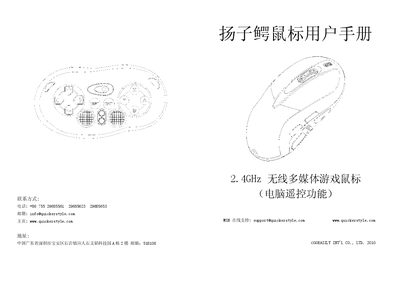
The Alligator mouse is a 2.4 GHz wireless multimedia controller with up to 10‑15 m range. It supports multiple work modes, customizable side‑key functions, and both optical and laser sensors with selectable resolutions.
The manual explains how to install the AA battery, connect via USB 1.1, switch between the seven built‑in modes, use the vibration function, and save custom configurations. Safety warnings and warranty information are also included. This manual is written in Chinese.
| Wireless Frequency | 2.4 GHz |
|---|---|
| Laser Resolution | 800‑2000 dpi |
| Report Frequency | 125 Hz |
| Weight | 115 g |
Open the battery compartment, insert one AA battery matching the polarity (+ and –), and close the cover.
Press the SELECT key for about 3 seconds to change to the next mode; the current mode is shown on the LED indicator.
Select the “保存役畳文件” option, enter a file name and path, and confirm to store the settings for later use.